
Use an MTB-CUT M888 setup video as a procurement validation tool before shifting from model-specific finished stock to on-demand production. The video should confirm that staff can power, load, operate, print, and cut with the machine under real store conditions. If that workflow is repeatable, buyers may reduce dependence on pre-finished inventory for supported phone back films, protective films, photos, labels, and cards.
Decide Whether Setup Supports On-Demand Inventory
The inventory decision is not simply whether the M888 can produce an item. Buyers need to determine whether employees can set it up and complete the combined workflow consistently enough for daily order fulfillment.
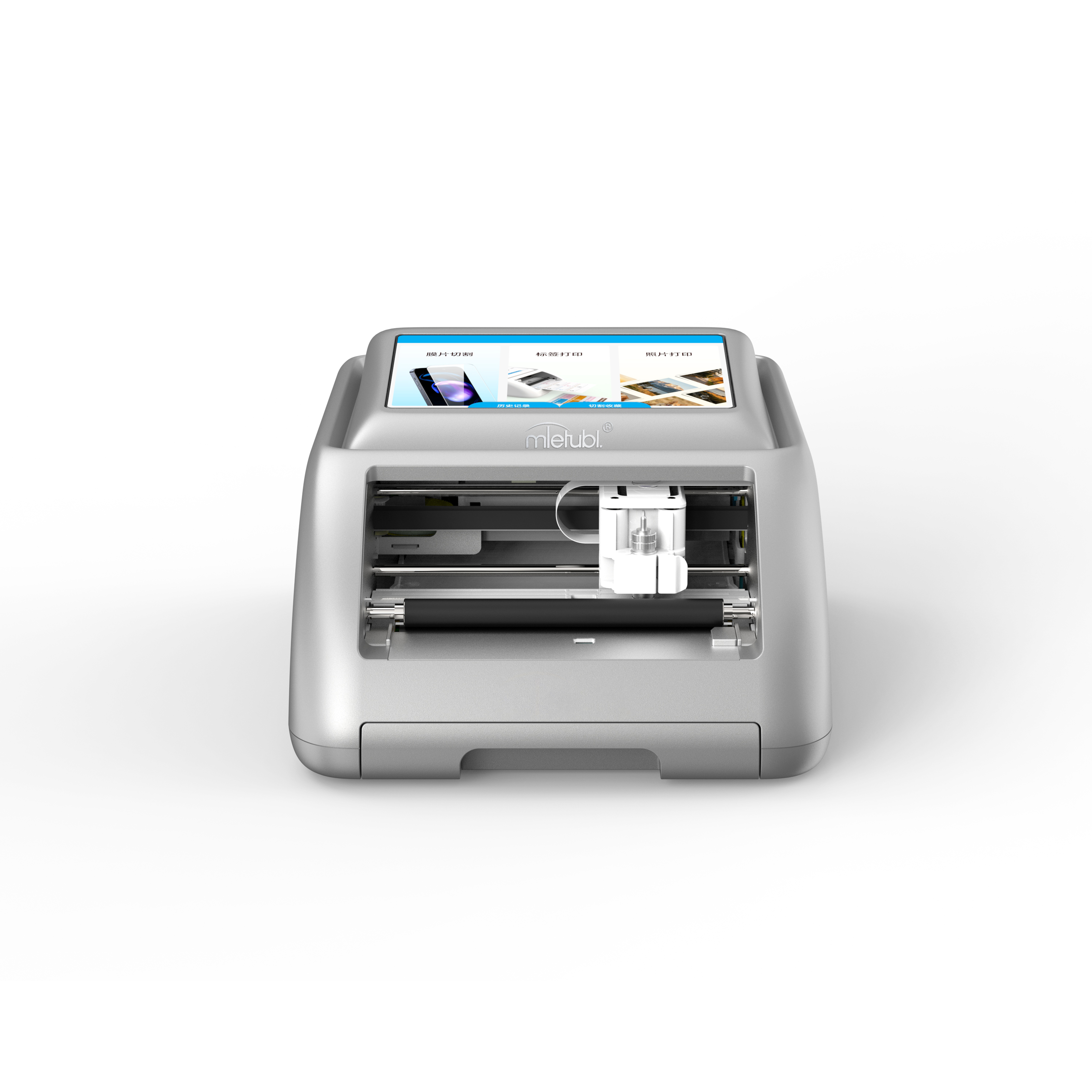
The M888 integrates printing and cutting in one machine, reducing the number of devices and operating stages required. This can support a postponement strategy: hold compatible printable materials and create the required design or contour after the customer selects a product. That approach may be more flexible than purchasing finished stock for every anticipated design or device model.
However, buyers should retain appropriate finished inventory until the setup video and an internal trial confirm material compatibility, operator readiness, and acceptable output.
Verify the Installation Video Before Reducing Finished Stock
A useful installation video should go beyond showing the machine on a desk. It should let a procurement or operations team verify the complete path from initial setup to a finished sample.
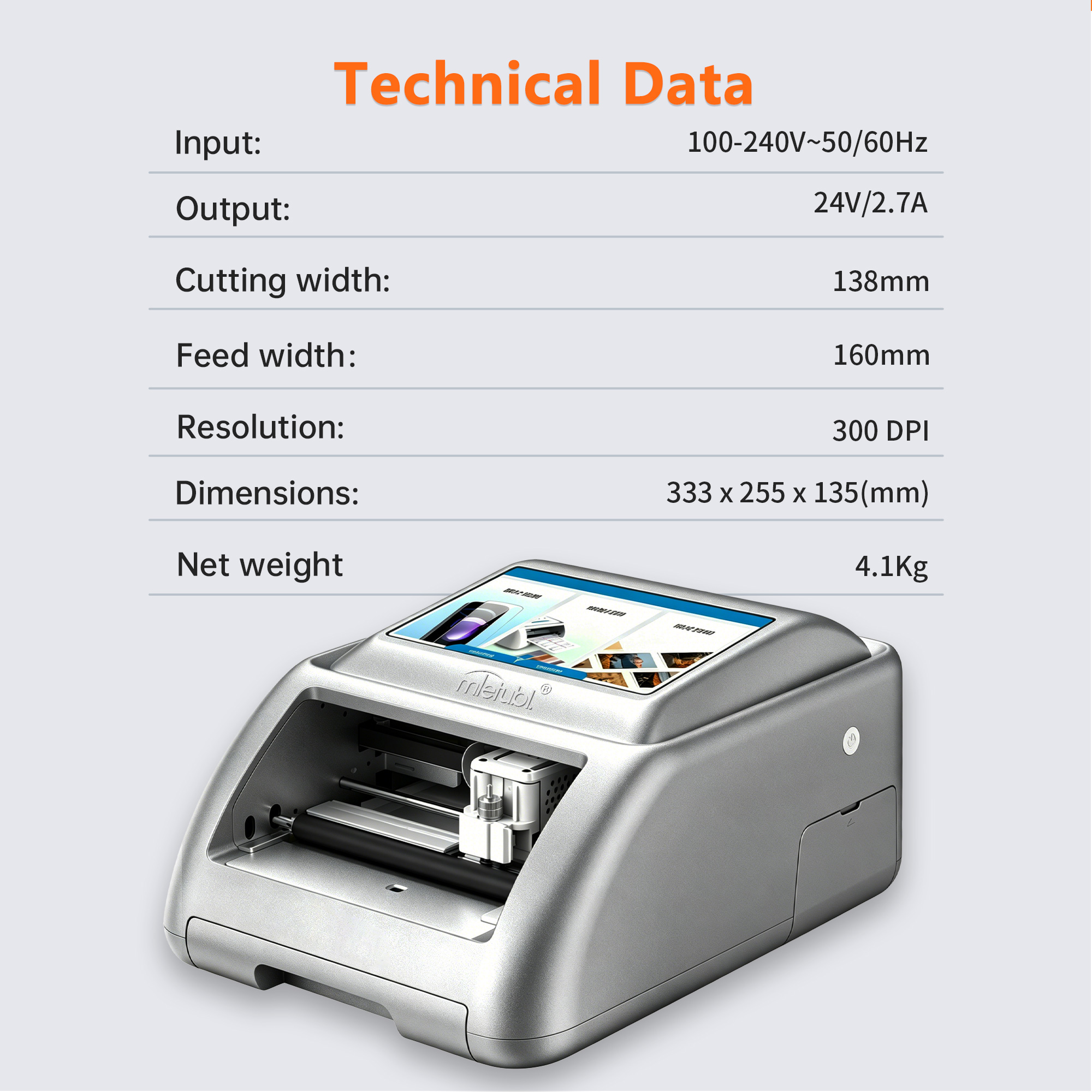
- Power setup: Confirm the demonstrated power arrangement matches the listed 100–240V, 50/60Hz input and 24V/2.7A output.
- Material loading: Check how sheets are aligned and fed within the 160 mm feed width.
- Operating access: Verify the scan-to-operate process and how staff reach templates or upload images.
- Print-and-cut sequence: Require a continuous demonstration that shows printing followed by contour cutting, rather than separate promotional clips.
- Finished sample review: Look for a close view of alignment, edges, color, and handling after production.
These checks help distinguish an informative installation resource from a general feature overview.
Translate M888 Capabilities Into Inventory Outcomes
The M888 has a listed cutting width of 138 mm and uses 100 × 148 mm paper. Buyers should compare those limits with their intended product assortment before changing reorder quantities. A workflow suitable for labels or phone back films may not automatically fit every item currently held in stock.
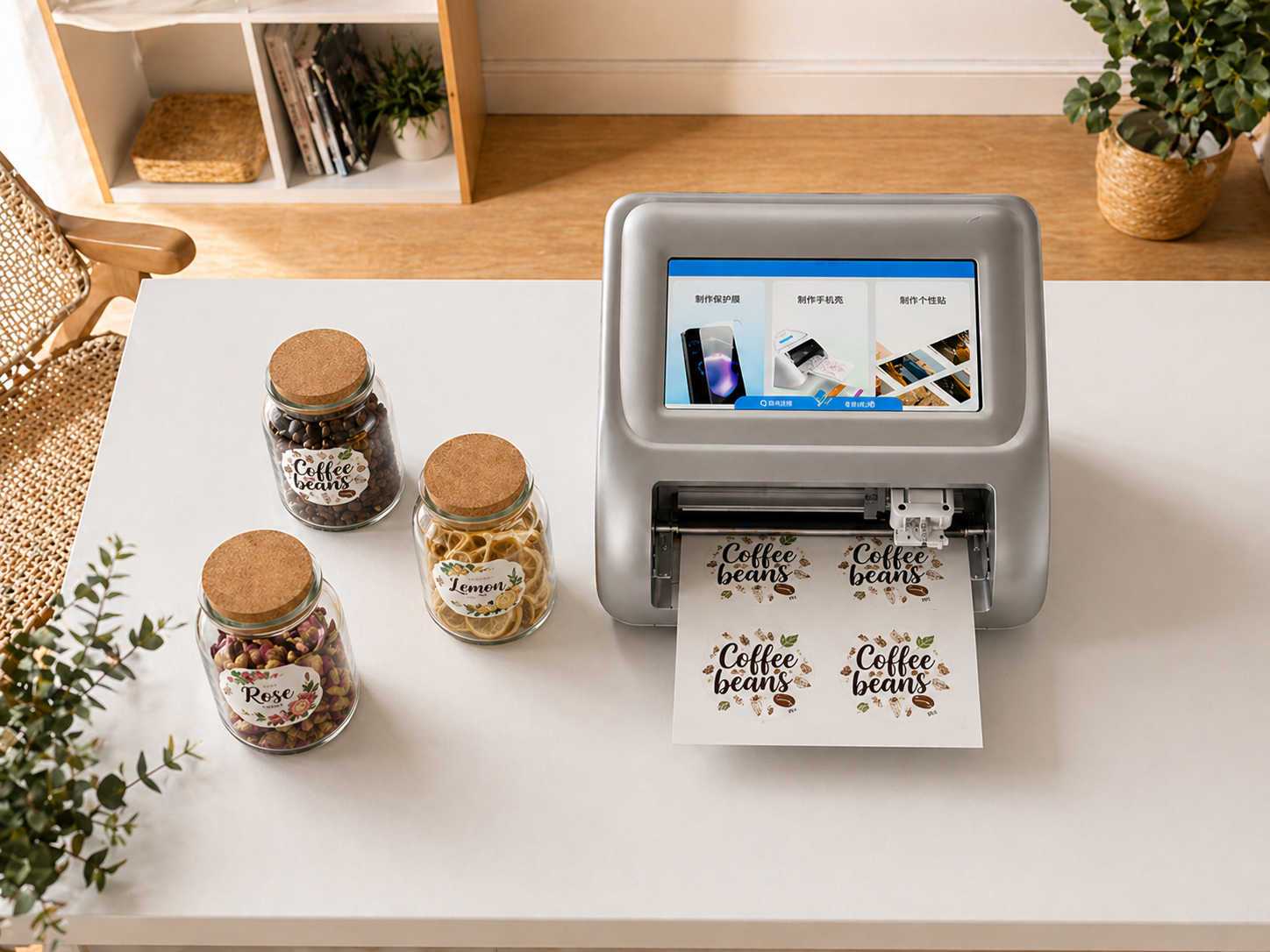
Built-in templates, image upload, AI cutout, and AI-generated design functions can support product variation without requiring a separate finished item for every graphic. The listed thermal-sublimation printing and contour cutting of up to approximately 0.1 mm also bring design creation and shape cutting into the same production process.
For inventory planners, the practical value is SKU postponement. Neutral input materials may be converted after demand is known, while finished products can remain available for high-volume items or situations where immediate production is not practical.
Plan a Low-Risk On-Demand Inventory Pilot
Use the installation video to create a short acceptance test before deployment. A focused pilot should evaluate the actual assortment rather than attempt to replace all finished stock immediately.
- Select several representative products, such as a phone back film, protective film, label, and photo.
- Have the intended operators follow the setup video without undocumented assistance.
- Record setup time, material handling issues, failed outputs, and operator questions.
- Compare pilot demand with current finished-stock turnover and identify slower-moving SKUs that may suit on-demand production.
- Confirm consumable availability and replenishment terms before reducing existing inventory.
The listed minimum order is one machine, while the listed delivery time is seven days. Buyers should confirm current commercial terms when planning a pilot or multi-location rollout.
Common Questions
Can the M888 eliminate all model-specific finished inventory?
Not necessarily. It can support on-demand production across several product types, but buyers should preserve finished stock where volume, service speed, material requirements, or product dimensions make pre-produced items more practical.
What is the most important part of an M888 installation video?
The most useful segment is an uninterrupted demonstration from material loading through printing and contour cutting. This reveals whether the workflow is understandable and repeatable for the employees who will operate it.
Should buyers train staff before changing reorder levels?
Yes. Reorder levels should change only after operators complete representative jobs and the business confirms that input materials, designs, and production capacity match expected demand.
Conclusion
The MTB-CUT M888 may help distributors and retailers move selected products from model-specific finished stock to on-demand production. Use a detailed setup video, followed by a controlled assortment pilot, to verify the complete workflow before reducing inventory commitments.
About Mietubl
Mietubl is a Guangzhou-based mobile accessories brand whose name reflects its guiding idea: Make It Easier To Use, Better Life. With roots in the mobile accessories industry dating to 1998 and the MIETUBL brand registered in 2010, the company focuses on products that make everyday digital use simpler and more practical.
Its portfolio includes screen protectors, intelligent screen protector cutting machines, film materials, data cables, chargers, power banks, and audio accessories. By combining design, product development, manufacturing, and channel support, Mietubl works with distributors and retailers serving a broad range of mobile accessory needs, with products exported to more than 120 countries and regions.
For product information, samples, or distribution opportunities, contact Marketing@mietubl.com or visit www.mietubl.com.
Was this article helpful?
Your feedback helps us improve future articles.