
Yes, the MTB-CUT M888 can fit a compact retail or studio workstation, but buyers should complete several readiness checks before staff follow a setup video. Confirm counter space around its 333 × 255 × 135 mm body, support its 4.1 kg weight, verify the available power supply, and leave practical room for loading and collecting media. A successful rollout depends on the working area and staff process, not only on placing the machine on a counter.
Is the Counter Ready for M888 Installation?
The machine body is compact, but its published dimensions should not be treated as the total operating footprint. The counter should also provide space for the power connection, media handling, and completed output. Buyers may want to test the proposed location with a cardboard footprint before deployment, especially where checkout equipment, repair tools, or product displays share the same surface.
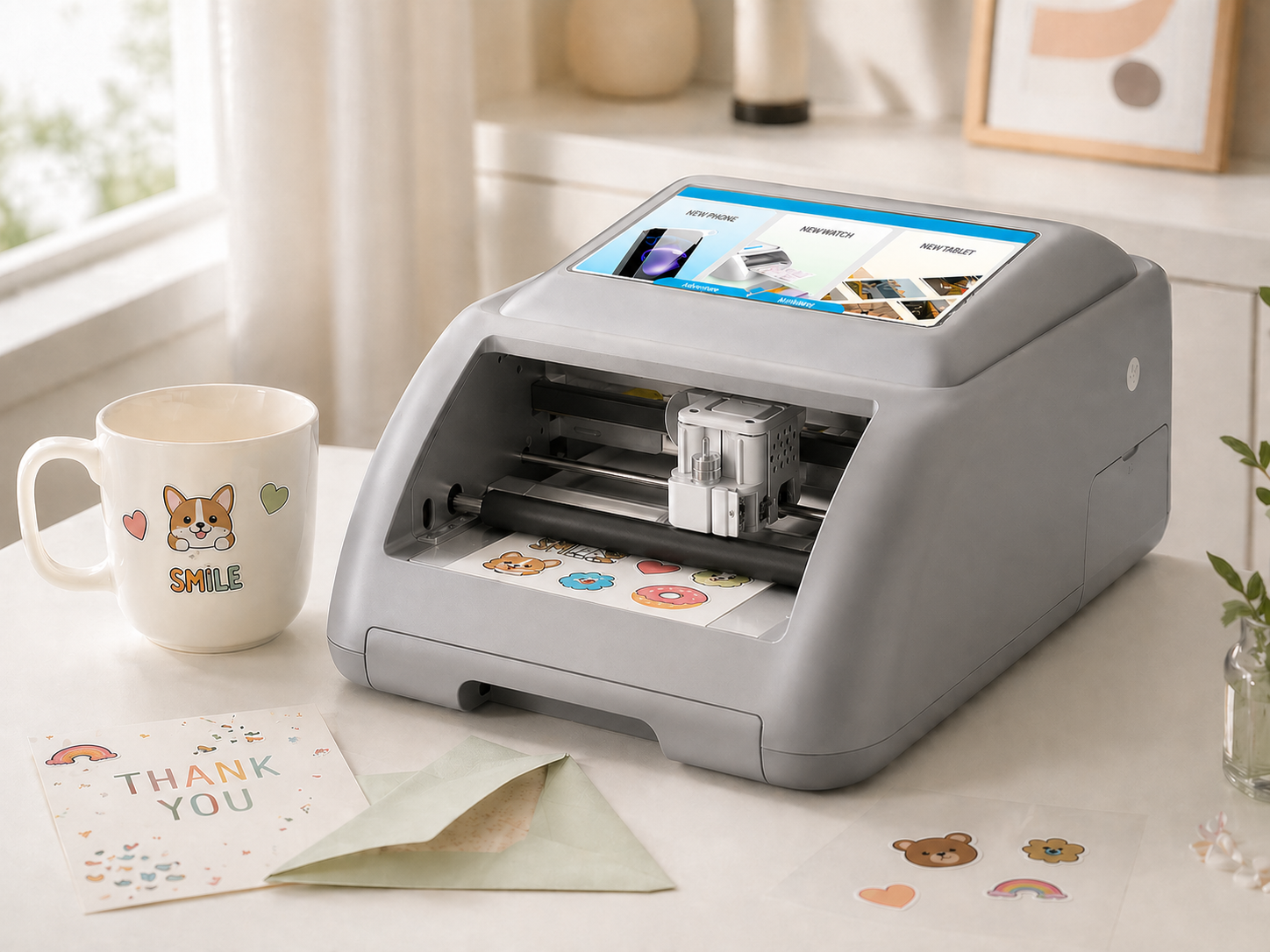
Key readiness criteria:
- Use a stable counter that can support the 4.1 kg machine without interfering with customer service.
- Keep the loading and output areas clear rather than fitting the body tightly between other devices.
- Plan a cable route that does not cross staff movement or material-handling paths.
- Confirm that operators can access the machine without moving unrelated tools or stock.
Are Power and Operating Conditions Confirmed?
The M888 lists an input of 100–240V at 50/60Hz and an adapter output of 24V/2.7A. Buyers should compare the delivered adapter and plug with the installation location before switching on the machine. A setup video cannot resolve local socket compatibility, extension-cable policy, or site-specific electrical requirements.
The approved product information does not state a temperature or humidity range for the M888. Distributors planning deployment in hot, humid, dusty, or otherwise demanding locations should confirm acceptable operating conditions before rollout. The counter should also remain clean and dry so media can be staged consistently.
How Should Staff Prepare the Print-and-Cut Workflow?
The M888 combines printing and cutting, reducing the need to transfer work between separate devices. Its approved functions include built-in templates, image upload, AI background removal, AI-assisted design generation, and scan-to-operate access. These features can simplify the service path, but staff still need a standard sequence for selecting artwork, loading media, checking the preview, and collecting the finished item.
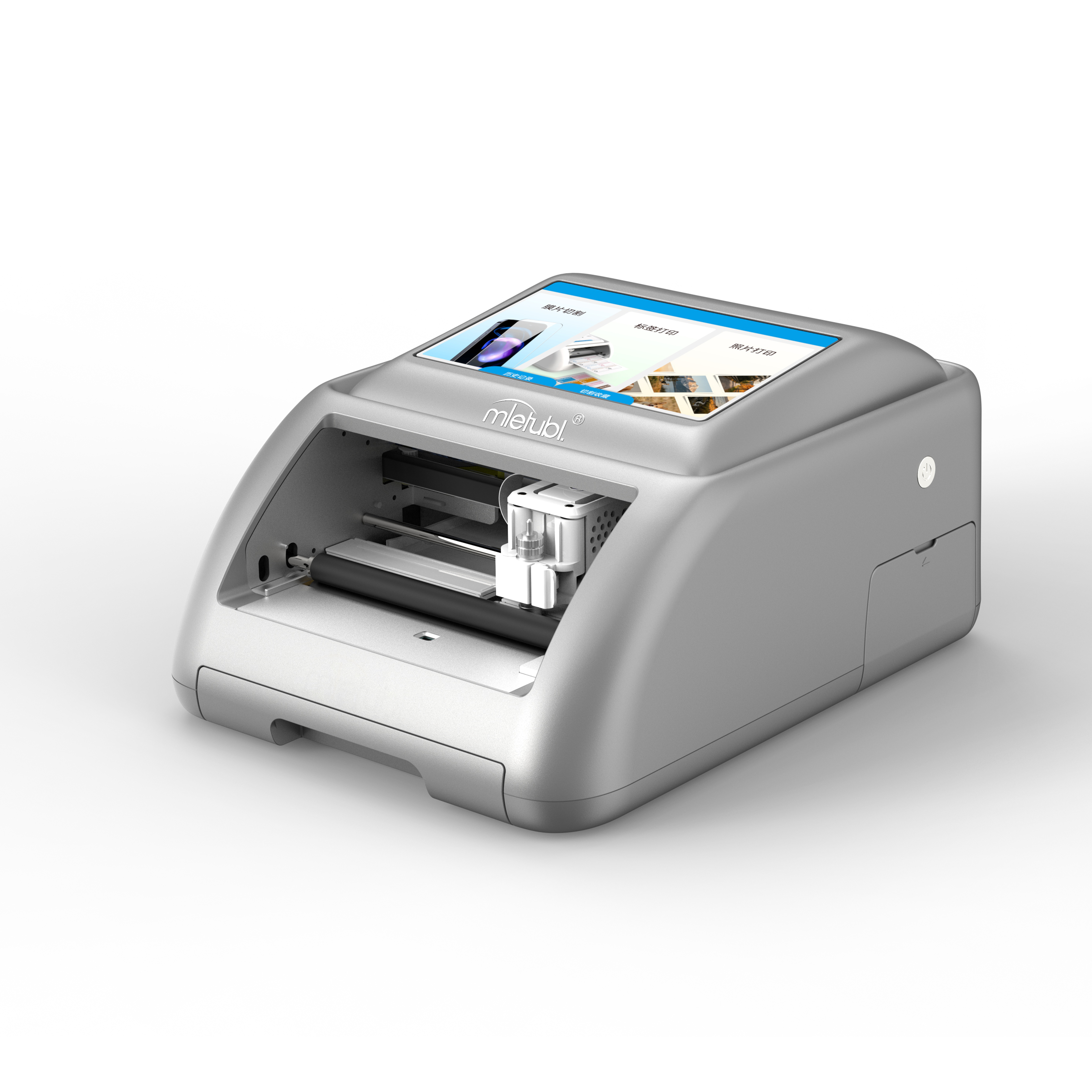
The listed feed width is 160 mm, while the cutting width is 138 mm. The specified paper size is 100 × 148 mm. During training, operators should distinguish between overall material width and the usable cutting area rather than assuming that the full loaded width can be cut. Trial jobs should use the exact media intended for daily service.
What Should a Multi-Location Rollout Check Include?
Before approving wider deployment, run a controlled setup at one representative location. The setup video should be paired with a written checklist so different stores do not interpret the process differently.
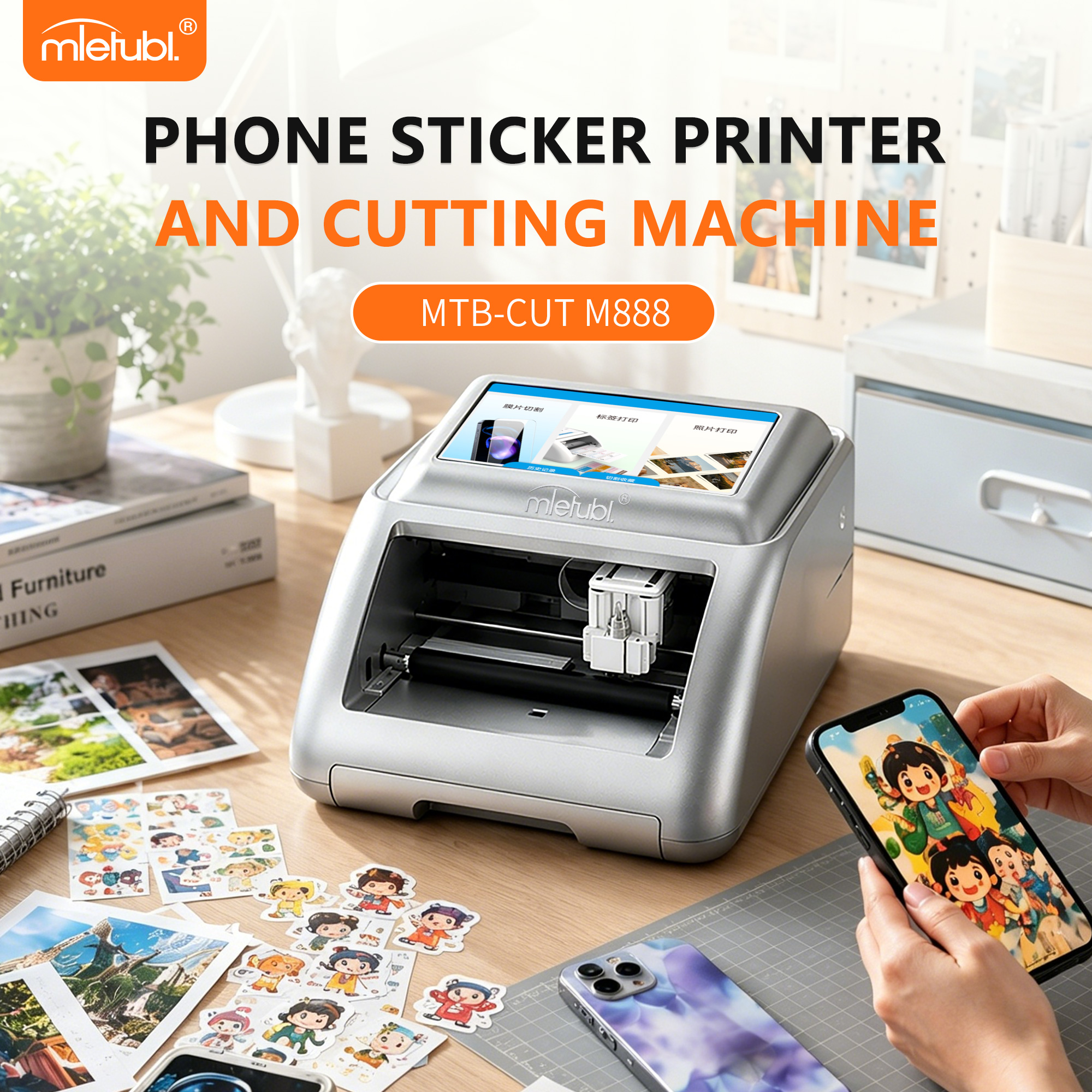
- Verify the counter position, electrical connection, and material path.
- Confirm that all delivered components match the packing documentation.
- Complete one simple template-based job and one uploaded-image job.
- Record loading, alignment, or workflow questions raised by first-time operators.
- Approve the workstation layout only after staff can repeat the process without rearranging the counter.
This pilot approach may reveal space or workflow constraints before equipment is distributed across multiple branches.
Common Questions About M888 Setup Readiness
Can the M888 share a counter with repair equipment?
It may, provided the counter supports the machine and leaves clear media-loading, output, and cable areas. Buyers should test the complete workstation rather than evaluating body dimensions alone.
Does the setup video replace staff training?
No. A video can demonstrate sequence, but managers should add a location-specific checklist covering power, media storage, approved job types, and who handles troubleshooting.
What should staff test before serving customers?
Operators should complete representative print-and-cut jobs using planned media and artwork sources. The goal is to confirm a repeatable workflow and identify counter-layout problems before live service begins.
Conclusion
The MTB-CUT M888 is a practical candidate for compact workstations when buyers validate more than the machine footprint. Use the setup video as one part of deployment: confirm power and working clearance, stage the intended media, train staff on a repeatable print-and-cut sequence, and pilot the complete workstation before a broader rollout.
About Mietubl
Mietubl is a Guangzhou-based mobile accessories brand whose name reflects its guiding idea: Make It Easier To Use, Better Life. With roots in the mobile accessories industry dating to 1998 and the MIETUBL brand registered in 2010, the company focuses on products that make everyday digital use simpler and more practical.
Its portfolio includes screen protectors, intelligent screen protector cutting machines, film materials, data cables, chargers, power banks, and audio accessories. By combining design, product development, manufacturing, and channel support, Mietubl works with distributors and retailers serving a broad range of mobile accessory needs, with products exported to more than 120 countries and regions.
For product information, samples, or distribution opportunities, contact Marketing@mietubl.com or visit www.mietubl.com.
Was this article helpful?
Your feedback helps us improve future articles.