
A retail store should apply a phone screen protector through a controlled sequence: confirm the device model and service type, complete any required design or cutting, prepare the screen under the store’s standard procedure, align the protector, apply it gradually, and inspect the result. For a pre-cut Clear Borderless Screen Protector, printing and cutting are unnecessary; the main priorities are correct model selection, alignment, and final checks.
How the In-Store Application Workflow Should Begin
The first counter decision is whether the customer needs a ready-made tempered-glass protector, a cut-to-model flexible film, or a personalized printed product. Mixing these workflows can add unnecessary steps and increase the chance of selecting the wrong material or template.
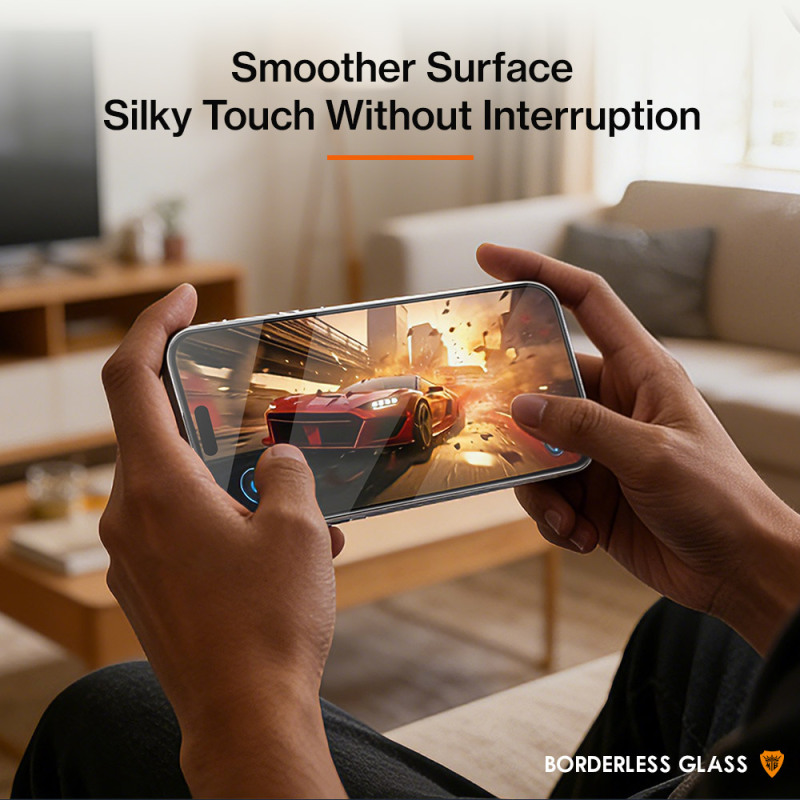
- Confirm the exact device model: The protector or digital cutting template should match the phone before work begins.
- Define the requested service: Separate straightforward screen protection from privacy, printed back-film, or other customization requests.
- Complete production before application: When cutting or printing is required, finish and inspect that stage before positioning material on the device.
- Use a repeatable application sequence: Preparation, alignment, gradual placement, and inspection should follow the same order for every operator.
Where Design, Printing, and Cutting Fit at the Counter
Design is relevant when the buyer requests a personalized phone back film, photo, label, or similar printed item. The MTB-CUT M888 combines printing and cutting in one machine and includes templates, image upload, and design functions. This can reduce transfers between separate devices, but staff should still approve the design and confirm its orientation before production.
Cutting belongs after the device and material have been confirmed but before application. A cutting-machine workflow can help stores prepare model-specific flexible materials on demand. It should not be treated as an extra step for the Clear Borderless Screen Protector, which is a finished tempered-glass product rather than a blank film intended for in-store cutting.
How to Apply Clear Borderless Glass in Store
- Verify the product and phone: Check that the selected Clear Borderless Screen Protector corresponds to the customer’s model and that its openings align with the device.
- Prepare the display: Follow the store’s approved screen-preparation procedure and inspect the surface before exposing the adhesive side.
- Set the alignment: Position the protector without pressing it down immediately. Use the display perimeter and earpiece area as visual references.
- Lower it gradually: Once alignment is confirmed, place the protector in a controlled motion rather than repeatedly lifting and repositioning it.
- Complete the handover inspection: Check the visible display area, edges, earpiece position, and touch operation before returning the phone.
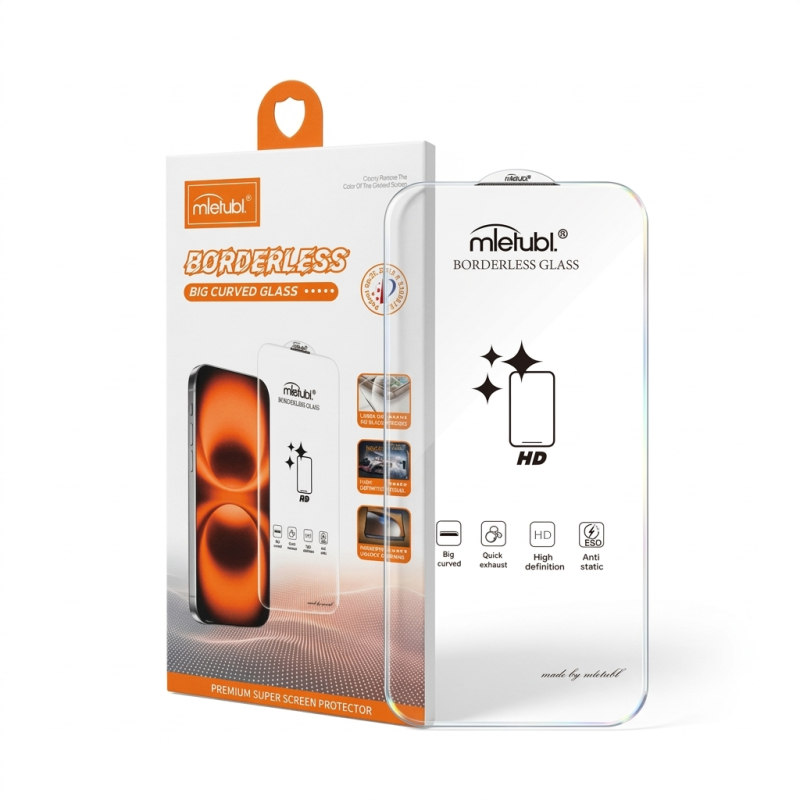
The borderless design removes the traditional printed black edge, helping avoid unnecessary obstruction of the display area. Its transparent base is intended to maintain a clear view of the screen, while the integrated earpiece dust mesh should be included in the alignment check.
How Equipment Choices Change the Service Process
A store should select equipment according to the services it plans to sell, not simply add every production stage to every order. The following workflow distinctions can guide that decision:
| Retail service | Production stage | Application priority |
|---|---|---|
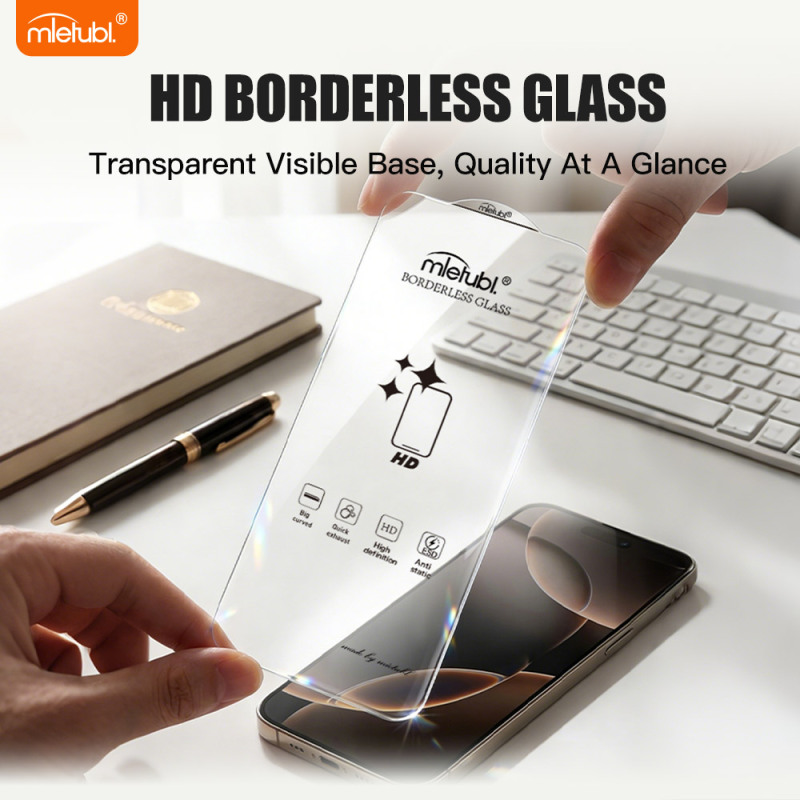
| Pre-cut Clear Borderless Screen Protector | No in-store design, printing, or cutting | Model verification and precise alignment |
| Custom-cut flexible screen film | Select template and cut before application | Confirm material, device model, and cut result |
| Personalized phone back film | Approve design, print, and contour-cut | Check orientation and finished outline |
| Integrated application service | Cutting, application, and optional supported finishing in one workflow | Standardize operator steps and final inspection |
For stores seeking a more consolidated process, the MTB-CUT M688 combines cutting, film application, and UV curing. This may suit retailers that want guided operation within one workstation, while stores focused on printed customization may find a print-and-cut workflow more relevant.
Common Questions About the Retail Workflow
Should a store cut a Clear Borderless Screen Protector before applying it?
No. This product is supplied as finished tempered glass. In-store cutting is appropriate for compatible flexible film materials, not for modifying the finished glass protector.
Does every screen-protector order require a design stage?
No. Design is mainly relevant to personalized printed products. A standard clear protector should move from model confirmation and screen preparation directly to alignment and application.
What should staff inspect before handing the phone back?
Staff should check display coverage, edge alignment, the earpiece area, and touch operation. Any issue should be addressed before the customer leaves the counter.
Conclusion: Build the Workflow Around the Service Type
The correct retail application method is not a single equipment sequence. Ready-made borderless glass requires disciplined selection, preparation, alignment, and inspection, while custom films may add design, printing, or cutting before application. Retail buyers should define their intended service mix first, then choose products and equipment that keep each order clear, repeatable, and easy for staff to complete.
About Mietubl
Mietubl is a Guangzhou-based mobile accessories brand whose name reflects its guiding idea: Make It Easier To Use, Better Life. With roots in the mobile accessories industry dating to 1998 and the MIETUBL brand registered in 2010, the company focuses on products that make everyday digital use simpler and more practical.
Its portfolio includes screen protectors, intelligent screen protector cutting machines, film materials, data cables, chargers, power banks, and audio accessories. By combining design, product development, manufacturing, and channel support, Mietubl works with distributors and retailers serving a broad range of mobile accessory needs, with products exported to more than 120 countries and regions.
For product information, samples, or distribution opportunities, contact Marketing@mietubl.com or visit www.mietubl.com.
Was this article helpful?
Your feedback helps us improve future articles.