
Yes, a retail counter can be ready for phone screen protector replacement if it provides a clean, stable work area and staff follow one repeatable sequence. For the Xuanjia Impact-Resistant Screen Protector, preparation should center on confirming the phone model, checking edge alignment and case fit, controlling dust, and allowing the adhesive to release air without unnecessary handling. Counter readiness matters as much as the protector itself.
Is the Counter Space Ready for Replacement Work?
The replacement area should have enough clear, level space for the phone, new protector, removed packaging, and cleaning materials. Keep unrelated accessories, loose paper, and opened stock away from the immediate work zone. This separation may reduce interruptions and helps staff avoid mixing protectors for similar-looking phone models.
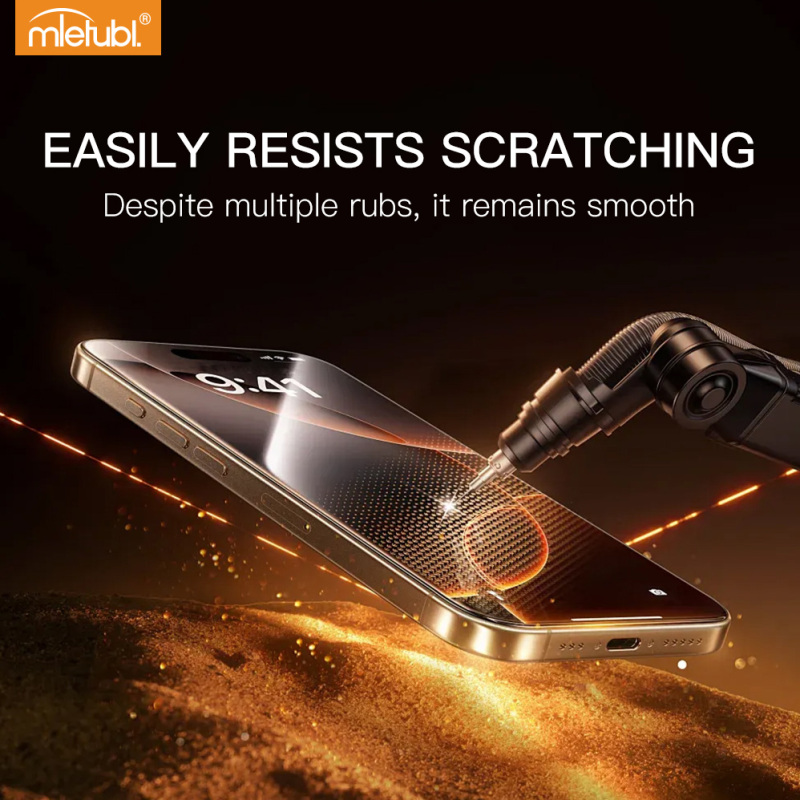
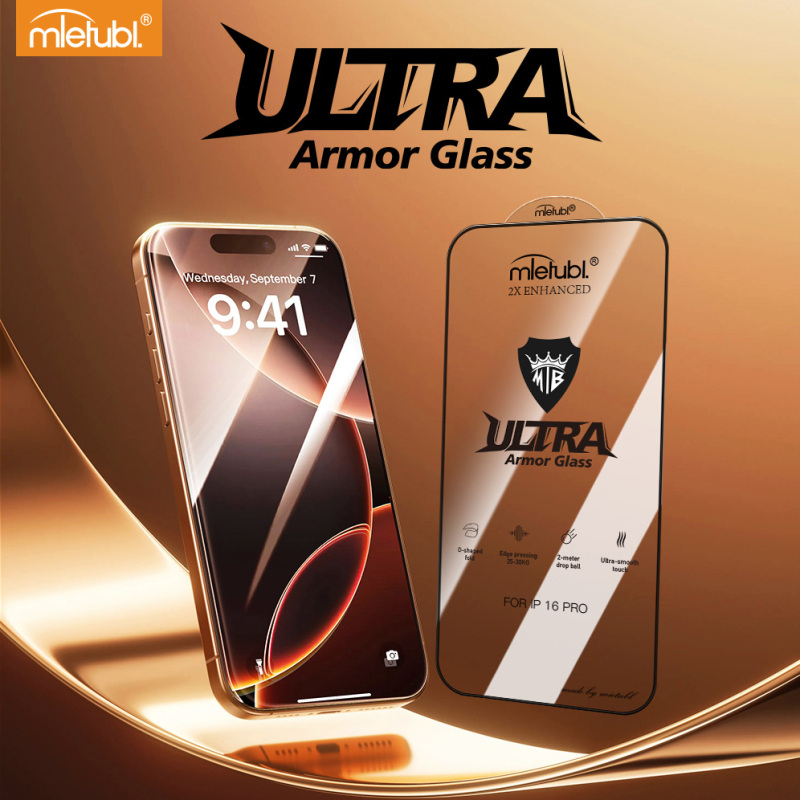
Lighting should make the screen edges, speaker opening, camera area, and remaining particles easy to see. Before opening the protector, staff should verify the model label and compare its shape with the device. The Xuanjia protector uses a fine printed border designed around real-device measurements, so alignment should be checked before the adhesive side is exposed.
Counter-readiness criteria:
- A stable, uncluttered surface dedicated to the replacement task
- Lighting that clearly reveals screen edges and surface contamination
- Separated new stock, removed protectors, and cleaning materials
- A model and case-fit check before installation begins
What Staff Workflow Should Be Standardized?
A practical replacement workflow should be short enough to remember but specific enough to audit. Retailers can use the following sequence as a staff operating checklist:
- Confirm the device. Match the phone model, screen openings, edge shape, and protector label.
- Check the case. If the customer uses a case, confirm that its lip will not press against the protector edge.
- Remove the existing protector. Keep fragments and discarded material away from the prepared installation zone.
- Prepare and inspect the screen. Do not continue while visible particles or residue remain.
- Dry-align the new protector. Check the printed edge, openings, and full display area before exposing the adhesive.
- Place and observe. Apply the protector in a controlled motion and allow the adhesive system to release air.
- Complete the handover check. Inspect the perimeter, display area, touch response, and case clearance with the customer.
The protector uses anti-static AB adhesive designed for one-pass air release and for reducing bubbles and white edges. Staff should therefore avoid repeatedly lifting and repositioning it unless alignment clearly requires correction.
Which Operating Conditions Need Control?
Dust and unnecessary movement are the main operating variables the counter team should control. Installation should not begin while nearby unpacking, sweeping, or high-traffic activity is disturbing the work area. Buyers may also want installation stock stored separately from loose tools or heavy merchandise that could damage packaging.
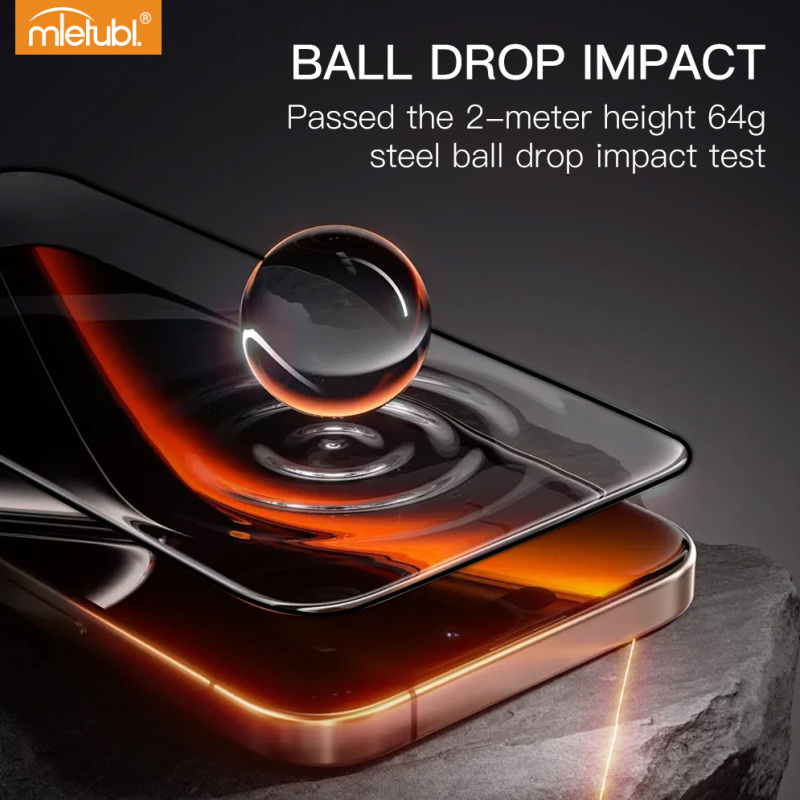
The product's reinforced high-alumina glass is designed for high flexibility, including O-shaped bending, which may lower breakage risk during transport and installation. That flexibility should not be treated as an invitation for staff to perform demonstration bend tests on customer stock. Handling procedures should still protect the edges and adhesive surface.
What Rollout Checks Should Buyers Complete?
Before deploying the replacement service across several counters or stores, run a small supervised trial. Observe whether employees can identify the correct model, maintain a clean work zone, align the printed border, and complete the final case-clearance check without skipping steps.
Managers should also define what counts as a failed installation, how opened stock is recorded, and when a second attempt requires approval. If private-label presentation is part of the rollout, the approved product options include customization of the logo, packaging, and cleaning kit. Buyers should confirm the final customization scope before ordering.
Common Questions
Should the phone case be removed before replacement?
Staff should remove it for installation, then reinstall it during the final fit check. This confirms whether the case lip contacts or lifts the protector edge.
Can staff reposition the protector several times?
Repeated lifting should be avoided. Dry alignment before exposing the adhesive is the better workflow, while repositioning should be reserved for clear placement errors.
What should be checked before returning the phone?
Inspect alignment, screen coverage, edge condition, visible bubbles, touch response, openings, and case clearance. Record any issue before the customer leaves the counter.
Conclusion
A screen protector replacement service is deployment-ready when the counter supports clean handling and every employee follows the same model check, alignment, placement, and handover sequence. Buyers should validate that workflow with a limited trial before expanding it across locations, rather than relying on product features alone to produce consistent installations.
About Mietubl
Mietubl is a Guangzhou-based mobile accessories brand whose name reflects its guiding idea: Make It Easier To Use, Better Life. With roots in the mobile accessories industry dating to 1998 and the MIETUBL brand registered in 2010, the company focuses on products that make everyday digital use simpler and more practical.
Its portfolio includes screen protectors, intelligent screen protector cutting machines, film materials, data cables, chargers, power banks, and audio accessories. By combining design, product development, manufacturing, and channel support, Mietubl works with distributors and retailers serving a broad range of mobile accessory needs, with products exported to more than 120 countries and regions.
For product information, samples, or distribution opportunities, contact Marketing@mietubl.com or visit www.mietubl.com.
Was this article helpful?
Your feedback helps us improve future articles.