
The MTB-CUT M888 fits an in-store workflow by bringing design preparation, printing, and contour cutting into one computerized machine. Staff can select a built-in template, upload an image, or use the available AI design tools before printing and cutting the finished graphic. For retailers offering personalized phone films, stickers, labels, photos, or cards, this integrated process can reduce equipment changes and simplify the path from customer request to finished item.
How the Customer Request Becomes a Ready Design
The workflow begins with the product the customer wants and the artwork they want applied. The M888 includes templates and supports image uploads, giving staff two practical starting points for routine orders. AI background removal can help prepare an uploaded subject, while the AI generation function provides another route for creating a design.
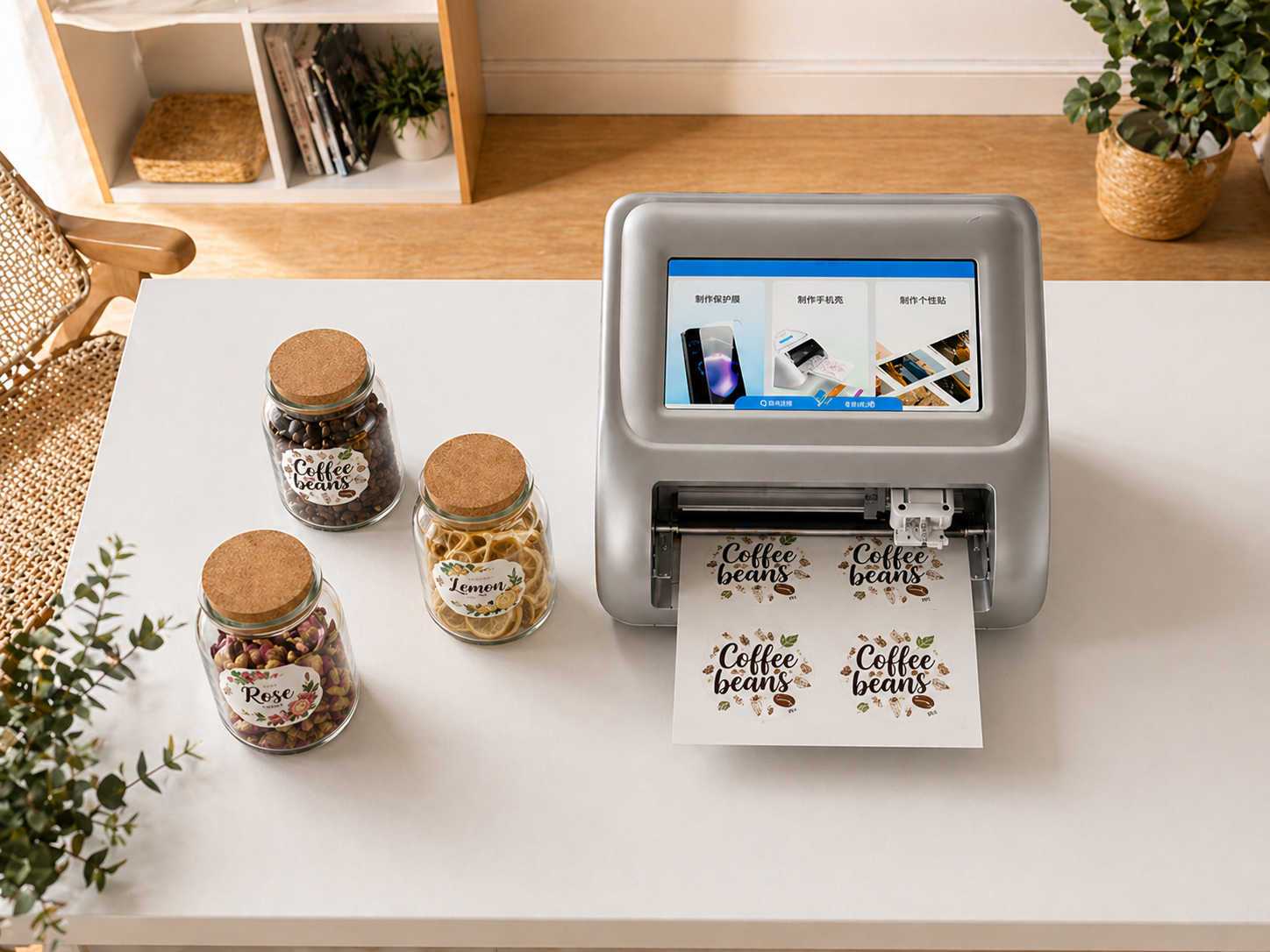
These options may be useful when a store handles both repeatable products and one-off personalization. Standard templates can support familiar requests, while uploaded or generated artwork can serve customers who want a different image or shape. Retailers should still define an internal artwork-checking step for spelling, orientation, image suitability, and customer approval before printing.
How Printing and Cutting Work at One Station
After the design is prepared, the machine combines printing and cutting rather than requiring staff to move the job between separate devices. Its listed print resolution is 300 DPI, and the approved product information describes heat-sublimation printing with detailed color as well as water- and fade-resistant output.
The M888 then performs contour cutting with stated precision of approximately 0.1 mm. This capability supports shaped stickers and other products that need a cut path around printed artwork rather than a simple rectangular finish. The combination is especially relevant to retailers evaluating whether one workstation can cover both image output and finishing.
Key workflow takeaways include:
- Built-in templates can provide a repeatable starting point for common orders.
- Image upload, AI background removal, and AI design generation broaden artwork preparation options.
- Printing and contour cutting take place within the same equipment workflow.
- QR-code operation can make the machine accessible from a retail service counter.
How the M888 Fits the Retail Service Counter
The machine measures 333 × 255 × 135 mm and weighs 4.1 kg. Its compact body may suit stores or studios where the service counter must also accommodate sales displays, application tools, packaging, and customer devices.
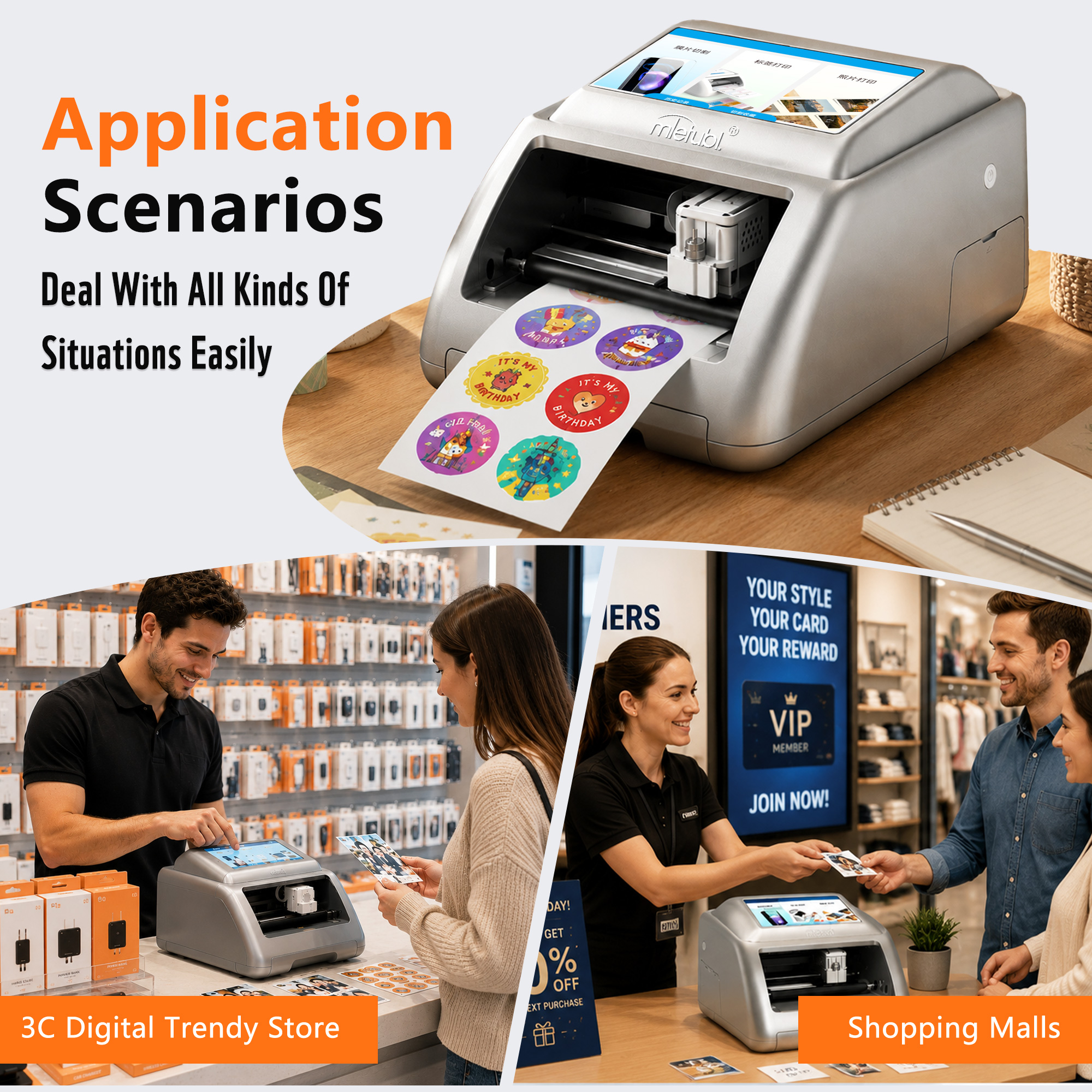
Material handling should be checked against the planned product range. The listed paper size is 100 × 148 mm, with a 160 mm feed width and a 138 mm cutting width. These dimensions make the M888 a compact-format production tool rather than a wide-format cutter. Buyers should compare their intended film, label, photo, or card dimensions with the usable print-and-cut area before ordering.
The supported applications include phone back films, protective films, photos, labels, greeting cards, and shaped stickers. A retailer does not need to launch every category at once; it may be more practical to select a limited menu that matches local demand and train staff around a consistent sequence.
What Buyers Should Confirm Before Deployment
The strongest fit is a retail operation that values integrated production and wants to offer several compact personalized products from one station. Before deployment, buyers should test the complete service sequence rather than evaluating print or cutting functions separately.
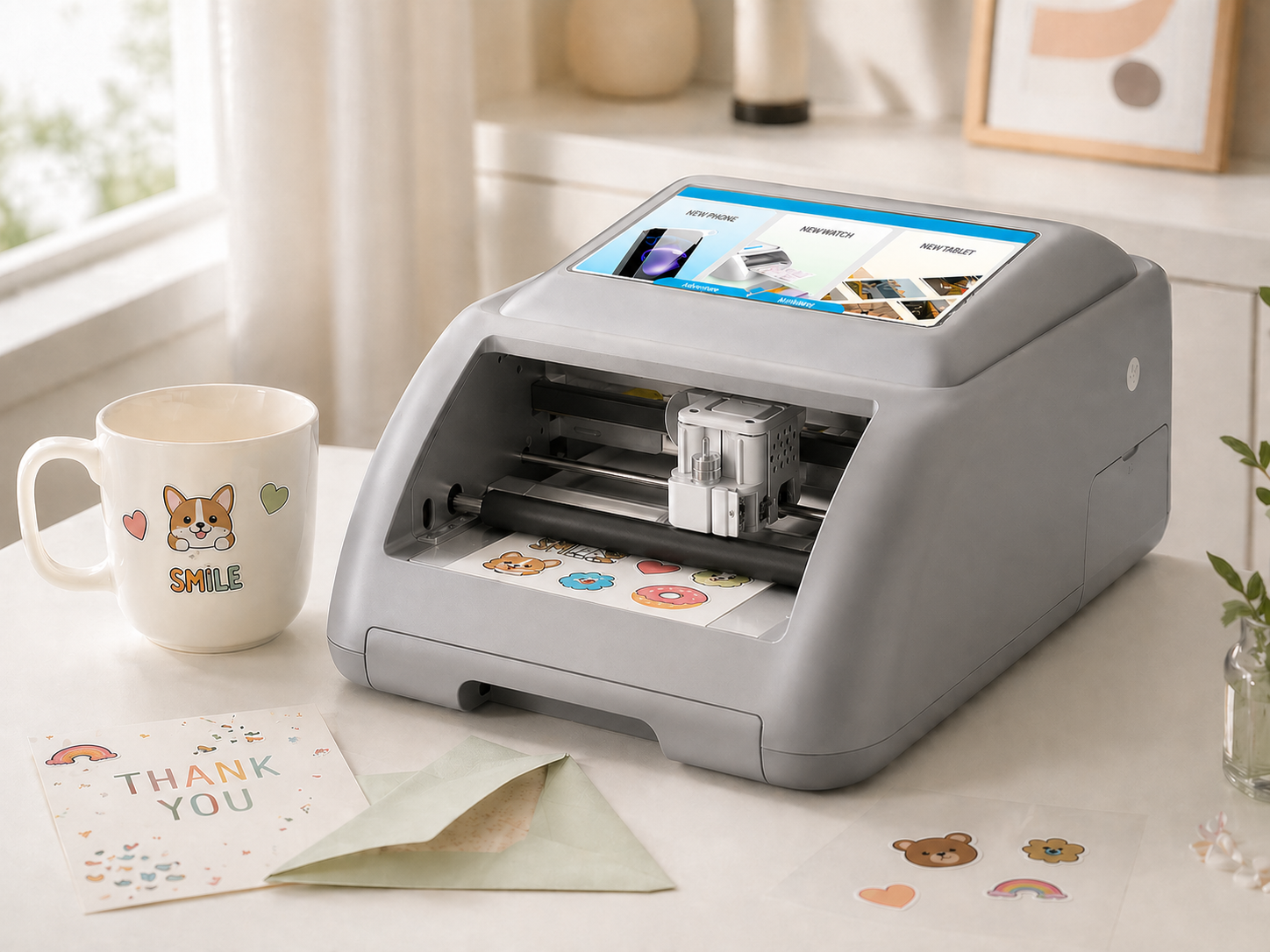
- Define the product menu: Confirm that each planned item fits the stated feed and cutting widths.
- Set artwork approval rules: Decide when the customer must approve text, layout, and crop position.
- Standardize operator steps: Create a repeatable order, design, print, cut, inspect, and handover process.
- Confirm consumables: Verify compatible media and replacement requirements for each product category.
- Plan counter placement: Check power access, material storage, and working clearance around the machine.
Common Questions
Does the M888 require separate printing and cutting equipment?
No. The approved product information identifies it as an integrated print-and-cut machine, allowing both stages to remain within one equipment workflow.
Can store staff create designs without importing finished artwork?
Yes. The machine includes templates and AI generation tools. Staff can also upload customer images and use AI background removal when preparing suitable artwork.
What products can a retailer offer with the machine?
Listed applications include phone back films, protective films, shaped stickers, photos, labels, and greeting cards. The final service menu should reflect material compatibility and the machine’s working dimensions.
Conclusion
The MTB-CUT M888 is a practical candidate for buyers seeking a compact, computerized print-and-cut station for personalized retail services. Its main value is workflow consolidation: staff can prepare artwork, print it, and complete contour cutting without transferring the job between separate machines. Buyers should proceed when the intended products fit its working area and the store is ready to standardize artwork approval, operation, inspection, and customer handover.
About Mietubl
Mietubl is a Guangzhou-based mobile accessories brand whose name reflects its guiding idea: Make It Easier To Use, Better Life. With roots in the mobile accessories industry dating to 1998 and the MIETUBL brand registered in 2010, the company focuses on products that make everyday digital use simpler and more practical.
Its portfolio includes screen protectors, intelligent screen protector cutting machines, film materials, data cables, chargers, power banks, and audio accessories. By combining design, product development, manufacturing, and channel support, Mietubl works with distributors and retailers serving a broad range of mobile accessory needs, with products exported to more than 120 countries and regions.
For product information, samples, or distribution opportunities, contact Marketing@mietubl.com or visit www.mietubl.com.
Was this article helpful?
Your feedback helps us improve future articles.